IPTV buffering fix: find the fault first
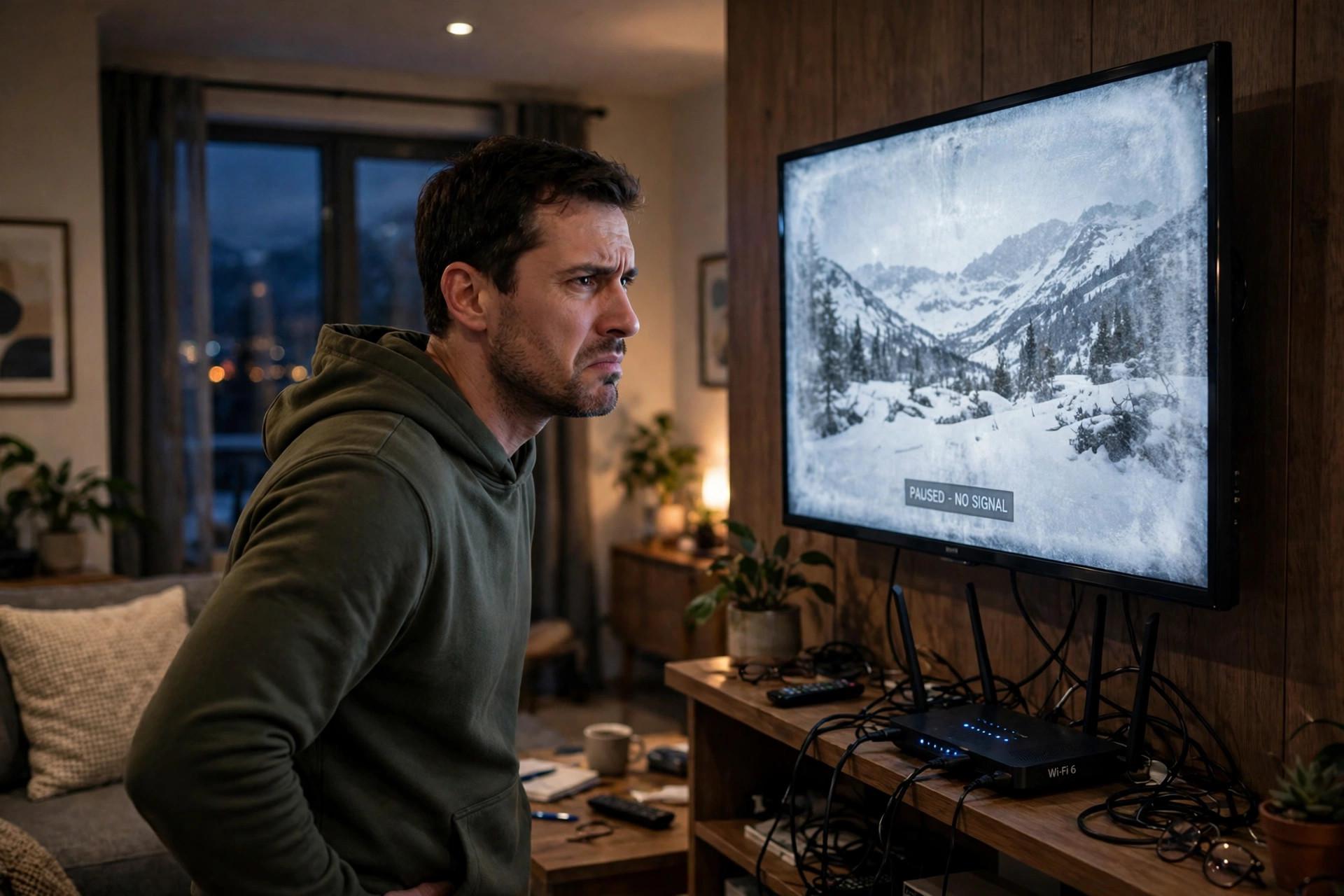
Buffering has two causes, and the fix depends on which one you have. The first cause is your home: weak Wi-Fi, an old device, a slow connection, or a TV two rooms from the router. The second cause is the provider: servers that cannot carry the prime-time load, so the picture freezes at 8 p.m. on a Sunday and runs fine at 2 p.m. on a Tuesday. The test that separates them takes five minutes. Open the same channel on your phone, on mobile data, away from your home Wi-Fi. If the channel plays cleanly on mobile data and freezes on the TV, the fault is in your house. If it freezes on both, the fault is the provider — and no cable or setting in your living room will fix it.
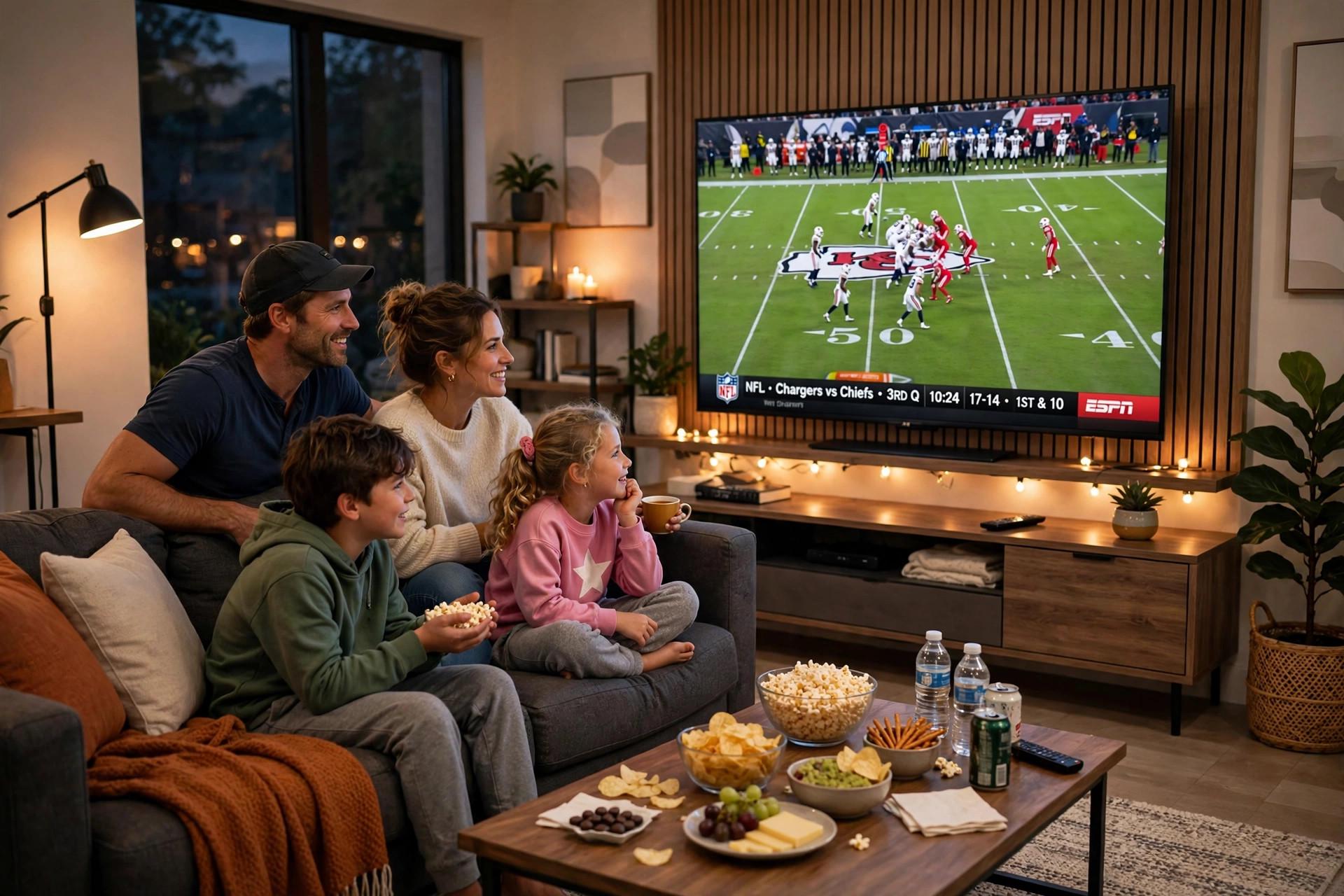
Run the test at the worst time, because buffering hides at noon. Start the free 24-hour trial on a Sunday, open ESPN at 8 p.m. during a live game, and watch the last two minutes of a close game. Count the freezes. Then switch to a 4K movie at 9 p.m. and watch ten minutes. A provider that freezes twice in a game has oversold its servers, and the fix is a different provider — Best IPTV Provider USA runs priority anti-freeze servers in Premium, built for nights when the whole country watches the same game. A provider that holds all evening has passed the only test that matters, and any freezing you see on another night is worth checking at home first.
Fix your home network in ten minutes
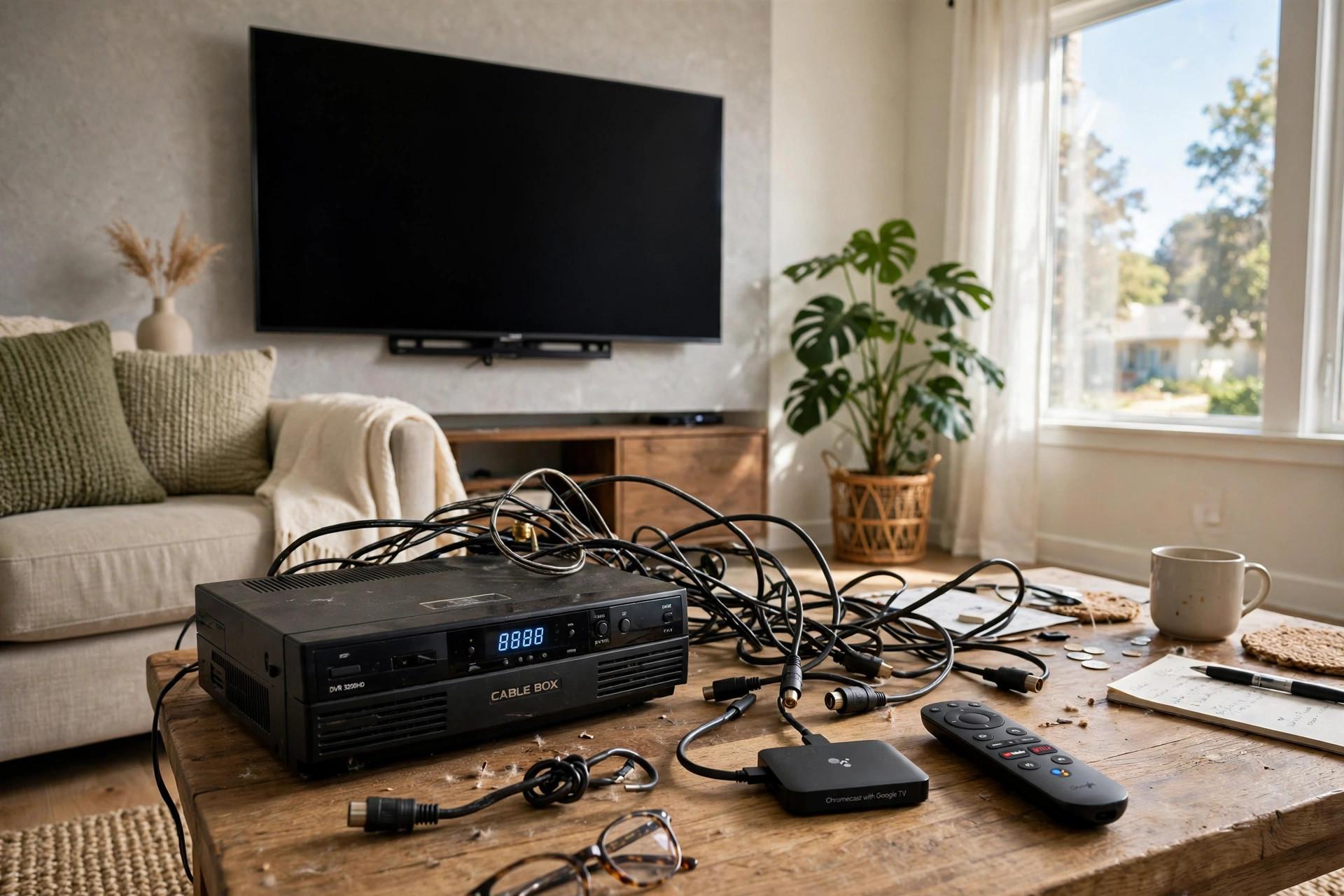
Most home fixes are cheap and fast. First, run an Ethernet cable from the router to the TV — a $15 cable that takes ten minutes along a baseboard, and the single biggest improvement in this whole article. Wi-Fi through two walls loses speed and adds delay; a cable does neither. Second, move the TV to the 5 GHz band if it is on 2.4 GHz, and move the router closer to the TV if it sits in another room. Third, test your speed at 8 p.m. on the TV's connection: 25 Mbps steady is the floor for 4K, 10 Mbps is enough for HD, and anything under 10 Mbps will freeze on a live game. Fourth, restart the router — unplug it for thirty seconds, plug it back in, wait two minutes. It sounds too simple, and it fixes more freezing than any other single step.
Fifth, check what else is using your connection. A game downloading on a console, a cloud backup running on a laptop, four phones updating apps at once — all of them take bandwidth from the TV. Pause the downloads during the game. Sixth, close the apps you are not using on the Firestick or Smart TV; a device with ten apps open in the background has less memory for the stream. Seventh, check the device itself: an old Firestick from 2019 will drop frames that a Firestick 4K Max handles easily, and a $50 upgrade fixes it. The installation guide covers the setup for all 13 devices, and support on WhatsApp will walk you through the network check for free.
Fix the player app
The player app is the second most common cause of freezing, and the fix is usually a restart. Close the app completely — not just the home button, a full close — and open it again. If the channel still freezes, clear the app's cache in the device settings: on a Firestick, Settings, Applications, Manage Installed Applications, then the player app, then Clear Cache. Do not clear data unless support tells you to, because clearing data logs you out. Then try a different player app: if IBO Player freezes and TiviMate plays cleanly on the same device and the same channel, the app was the problem, not the provider or the network. TiviMate on Android TV, IPTV Smarters Pro on phones and tablets, and IBO Player on Smart TV are the three to try.
Update the app and the device. An old version of a player app can freeze on channels that a new version plays cleanly, and an old Firestick operating system can do the same. Check for updates on the device, update the player app, and restart the device. Then try the channel again at 8 p.m. — the same time it froze before, because a test at noon proves nothing. If the channel plays cleanly after the update, the fix is done. If it freezes in the same place at the same time, the fault is upstream: the provider's servers or the channel itself.
When the provider is the problem
Some freezing is the provider's fault, and the signs are consistent. The channel freezes at 8 p.m. and plays fine at 2 p.m. — that is server capacity, because the load is the difference. The channel freezes on your phone on mobile data and on the TV on Wi-Fi — that is the provider, because two different networks show the same fault. Every channel freezes at once, not just one — that is the provider's servers, not one channel's feed. One channel freezes while the others play — that is the channel's feed, and support can usually fix it or route around it in minutes. Message support on WhatsApp when you see the pattern: a good provider answers in minutes, checks the server, and tells you honestly what is happening. A provider that blames your internet for every fault, at every hour, is telling you how the argument will go for the next twelve months.
| Symptom | Likely cause | Fix | Time |
|---|---|---|---|
| Freezes at 8 p.m., fine at noon | Provider servers overloaded | Switch providers | Trial evening |
| Freezes on TV, fine on phone data | Home Wi-Fi weak | Ethernet cable | 10 minutes |
| One channel freezes, others fine | Channel feed fault | Message support | Minutes |
| All channels freeze at once | Provider outage | Message support; switch if repeated | Minutes |
| Picture drops from 4K to soft | Bandwidth under 25 Mbps | Ethernet, close downloads | 10 minutes |
| App freezes, device fine | Player app cache | Clear cache, restart app | 5 minutes |
The trial that proves it
The free 24-hour trial is the test that settles every buffering argument. Start it on a Sunday, run the game at 8 p.m., watch the last two minutes, and count the freezes. Then run the phone-on-mobile-data test. The two results together tell you exactly where the fault is: home, app or provider. Best IPTV Provider USA gives you 24 hours free with no card details needed, and Premium runs on priority anti-freeze servers built for prime time. If the trial evening is clean, subscribe — $19.99 a month or $99.99 a year. If it freezes twice in a game, walk away and try the next provider on your short list. The trial costs nothing, and the answer is worth a season.
- Test on your phone with mobile data: clean on data and frozen on TV means your home Wi-Fi is the fault.
- Freezes at 8 p.m. and fine at noon means the provider's servers are overloaded.
- Run an Ethernet cable to the TV — the single biggest buffering fix there is.
- Clear the player app's cache and restart it before you blame the provider.
- 25 Mbps steady is the floor for 4K; test your speed at 8 p.m., not at noon.
- 25 Mbps steady is the floor for 4K — see the plans for the Premium tier that carries it; test your speed at 8 p.m., not at noon.
The verdict
Buffering is a diagnosis, not a mystery. Test the phone on mobile data, test at 8 p.m. on a Sunday, fix the Wi-Fi with a cable, clear the app cache, and watch the pattern. Half the time the fix is in your living room and takes ten minutes. The other half the fix is a provider with real server capacity — and the free 24-hour trial is how you find it. Start the trial tonight, watch the game, and count the freezes.
Devices decide more comparisons than people admit. A provider can look great on a laptop and fall apart on a Firestick, which is where most American households actually watch. Best IPTV Provider USA works on Firestick and Fire TV, Samsung and LG Smart TVs, Android TV, Android and iOS phones and tablets, Apple TV, Windows, Mac, MAG boxes, Enigma2, Formuler and Nvidia Shield, with Roku covered by screen mirroring. The install takes under five minutes on most of them: IBO Pro Player on Firestick via Downloader (ask on WhatsApp for the current code), TiviMate on Android TV and Shield, IPTV Smarters Pro on phones and tablets. Test the trial on the device you will really use, because that is the only test that counts.
Before you decide
Picture quality is not one number, it is a chain: the channel's broadcast, the provider's servers, your internet connection and your TV. A channel that broadcasts in 4K looks sharp in 4K; a channel that broadcasts in HD will not become 4K because the sales page says 4K. Premium carries HD, Full HD, 4K and 8K where the channel broadcasts it, and the honest test is a live game at 8 p.m. — fast motion, a crowded network, a full stadium of detail. Your side of the chain matters too: 25 Mbps is the floor for 4K, and a wired Ethernet connection to the TV beats Wi-Fi through two walls every time. If your internet is 100 Mbps or better, the picture will match cable. If it is 15 Mbps on rural DSL, fix the internet before you judge the provider.
- Test on your phone with mobile data: clean on data and frozen on TV means your home Wi-Fi is the fault.
- Freezes at 8 p.m. and fine at noon means the provider's servers are overloaded.
- Run an Ethernet cable to the TV — the single biggest buffering fix there is.
- Clear the player app's cache and restart it before you blame the provider.
- Message support on WhatsApp when a channel freezes — see the contact page.
- 25 Mbps steady is the floor for 4K — see the plans for the Premium tier that carries it; test your speed at 8 p.m., not at noon.